
Watch TV from your own VDR
vdrLive connects iPhone, iPad and Apple TV to your Video Disk Recorder on your local network: live TV and radio, program guide, timers and recordings.
vdrLive is free. vdrLive for TV is a separate app for Apple TV.
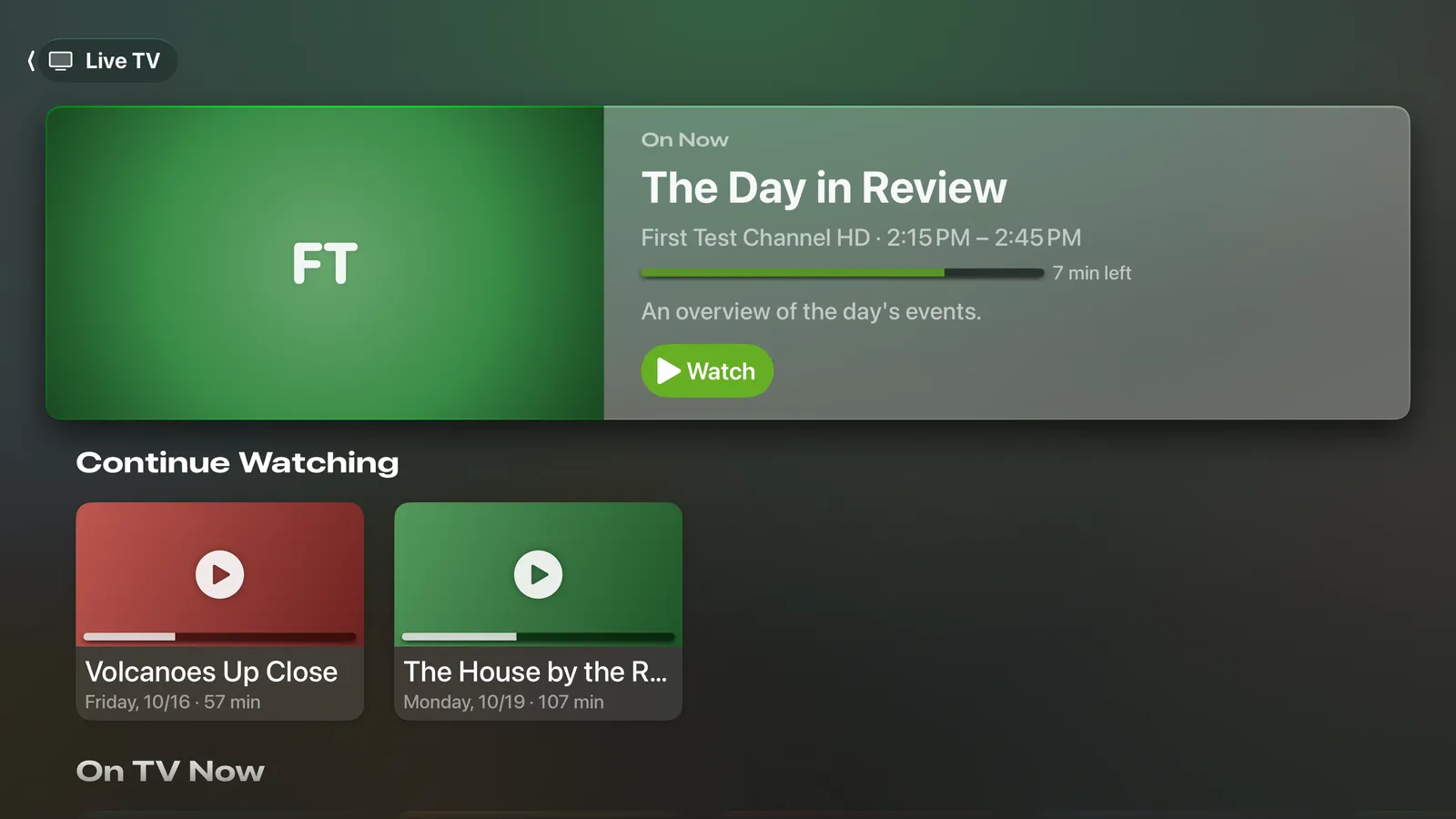
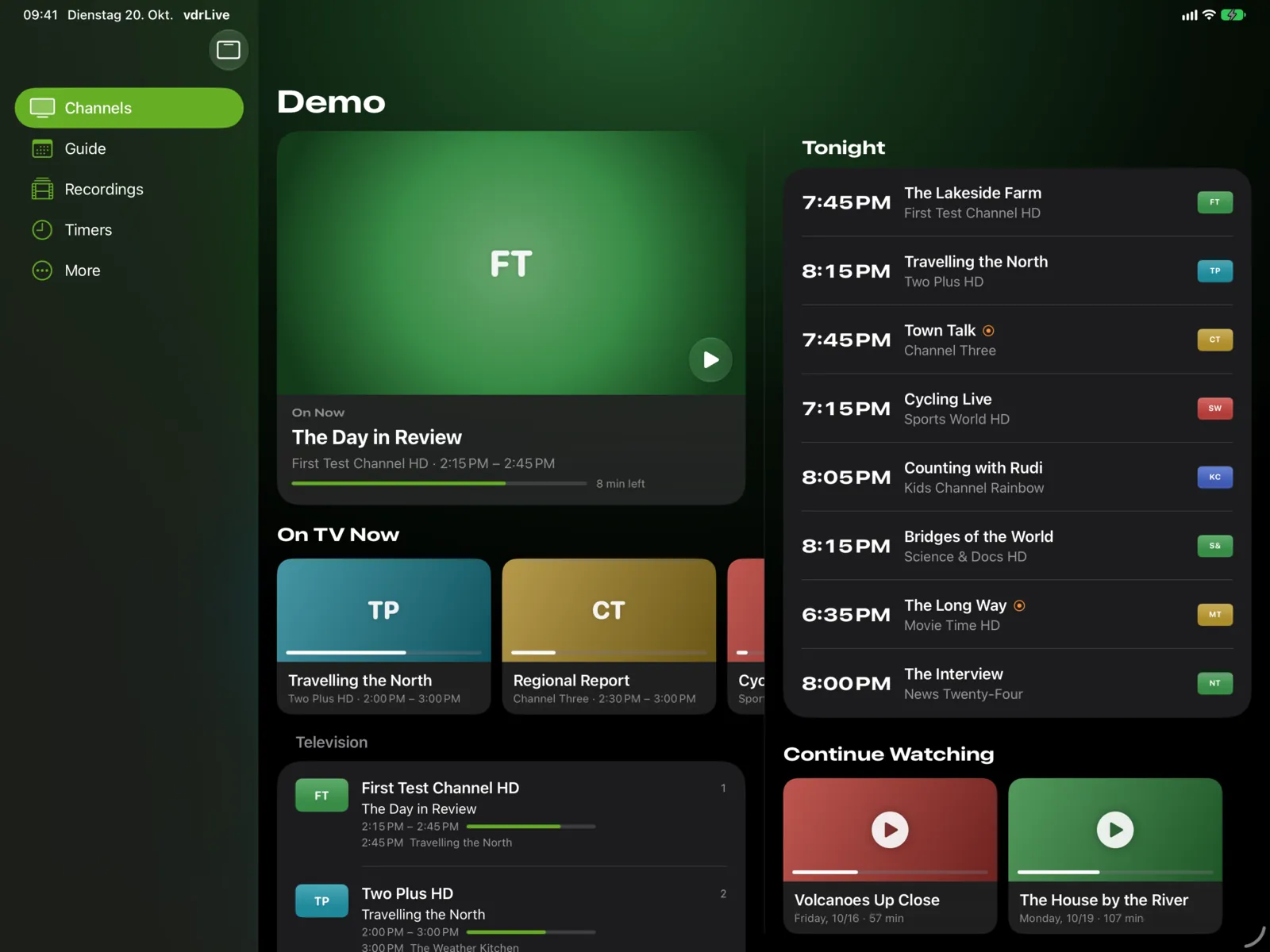
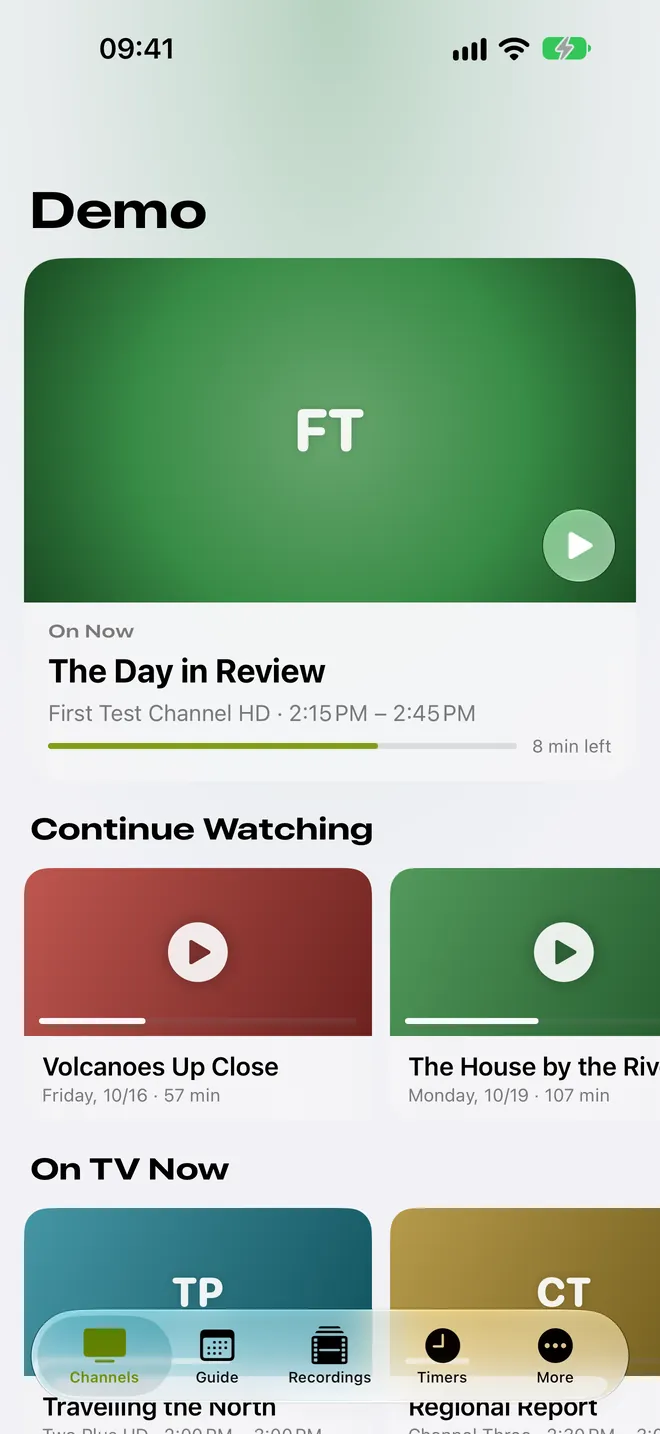
Every channel, straight from your VDR
- Playback through streamdev-server, including MPEG-2, H.264 and HEVC, stereo and AC-3
- Swipe to change channels, with the current and the next program
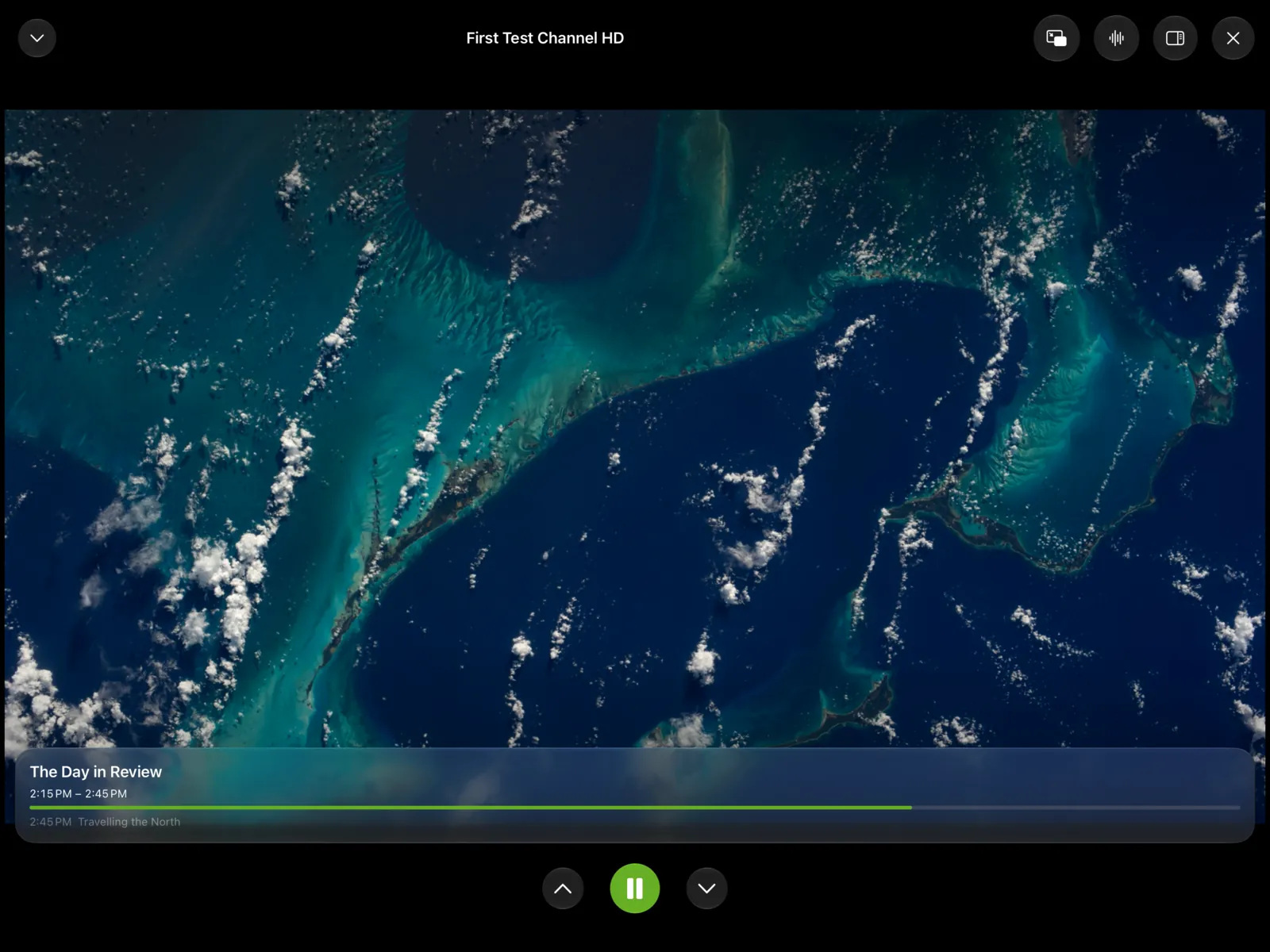
- Picture in Picture: the video keeps playing in a floating window, even when you leave the app
- Mini player: playback continues while you browse the guide
- Radio in the background, with Lock Screen controls
- Choose audio track and subtitles, adjust deinterlacing and buffering
Tonight at a glance
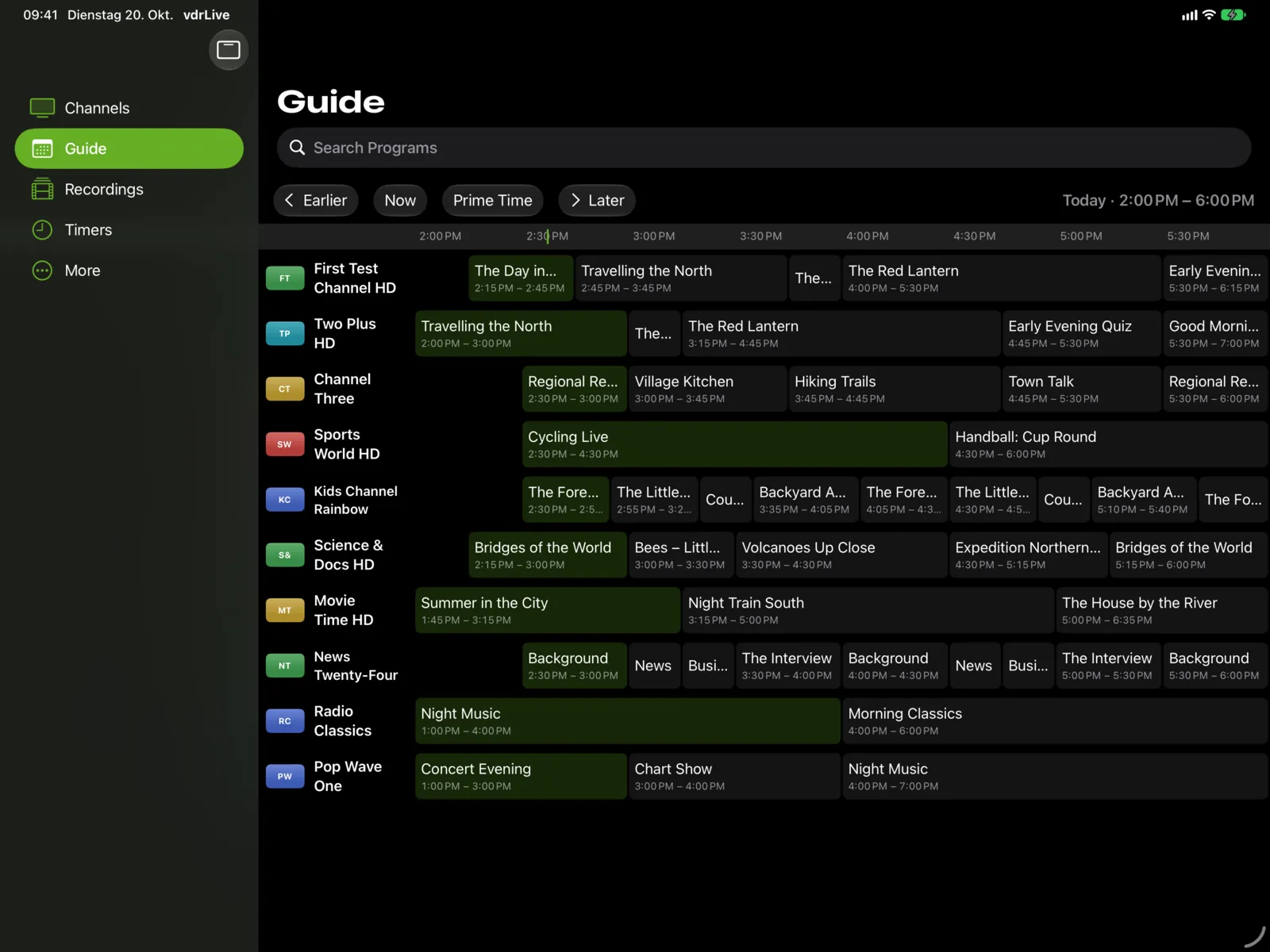
- Guide grid with all channels across several hours, on iPad and Apple TV
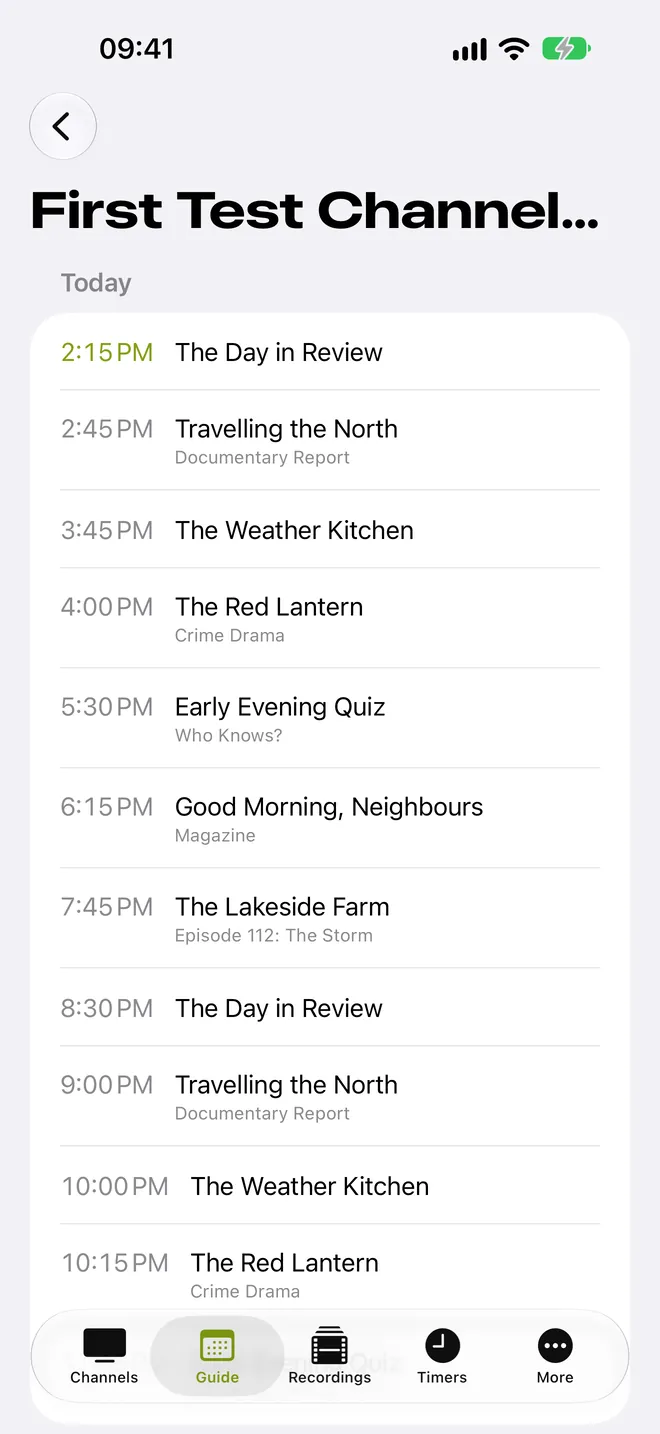
- Each channel's schedule and full-text search in the loaded guide
- Timers straight from the program details, with margins before and after
- Programs that already have a timer are marked
Record with one tap
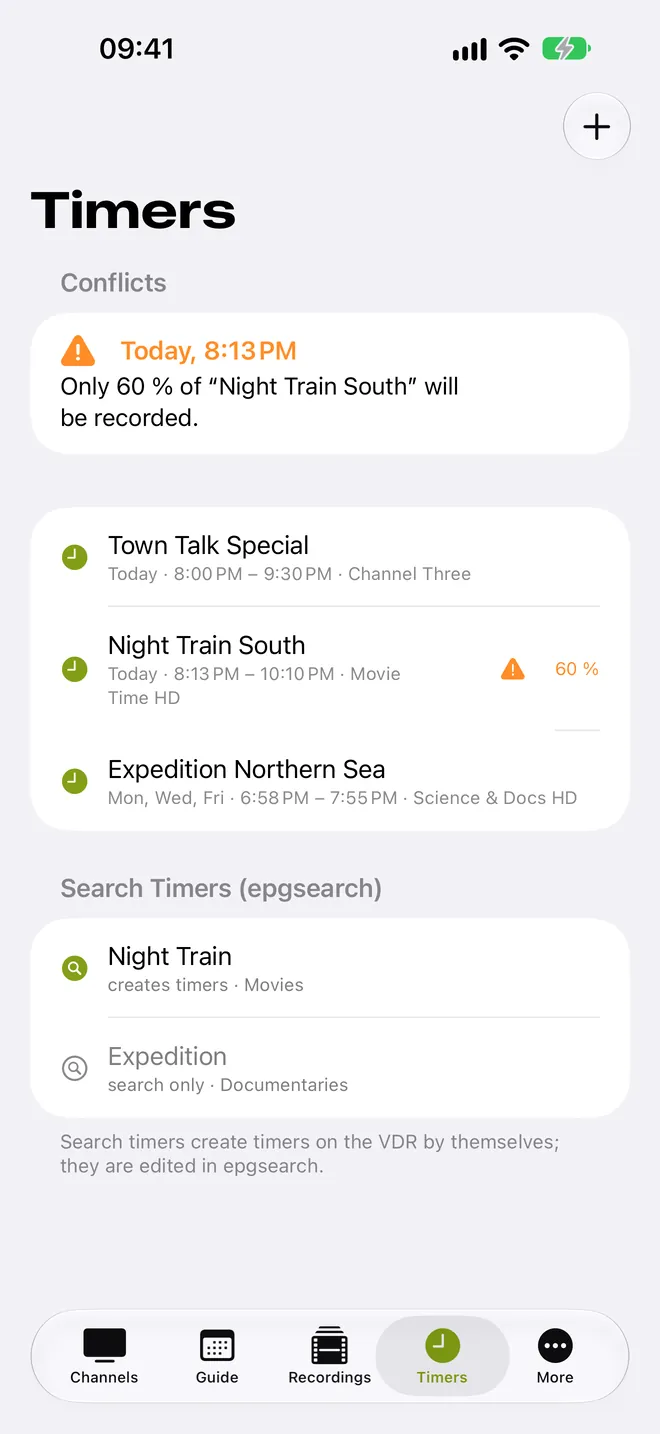
- Create, edit, deactivate and delete timers
- Timer conflicts and search timers when epgsearch is installed
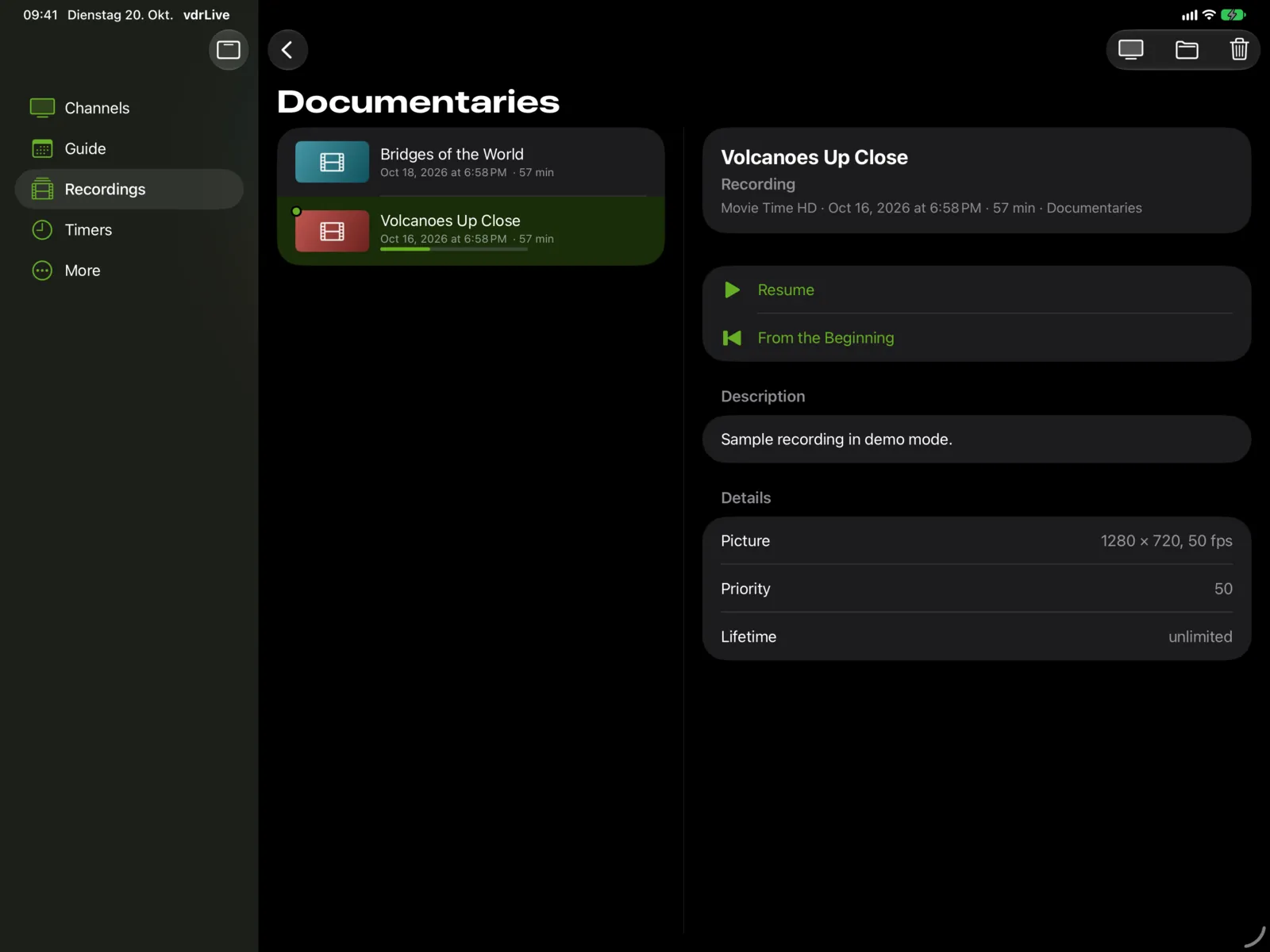
- Resume recordings right where you left off
- Rename, move or delete recordings, or play them on the TV connected to your VDR
List and details side by side
- Two columns for home, recordings and timers
- Channel list next to the playing video
- iPhone Duo: partially folded, video and controls sit side by side or one above the other
- Playback continues as you open and close it
On the big screen
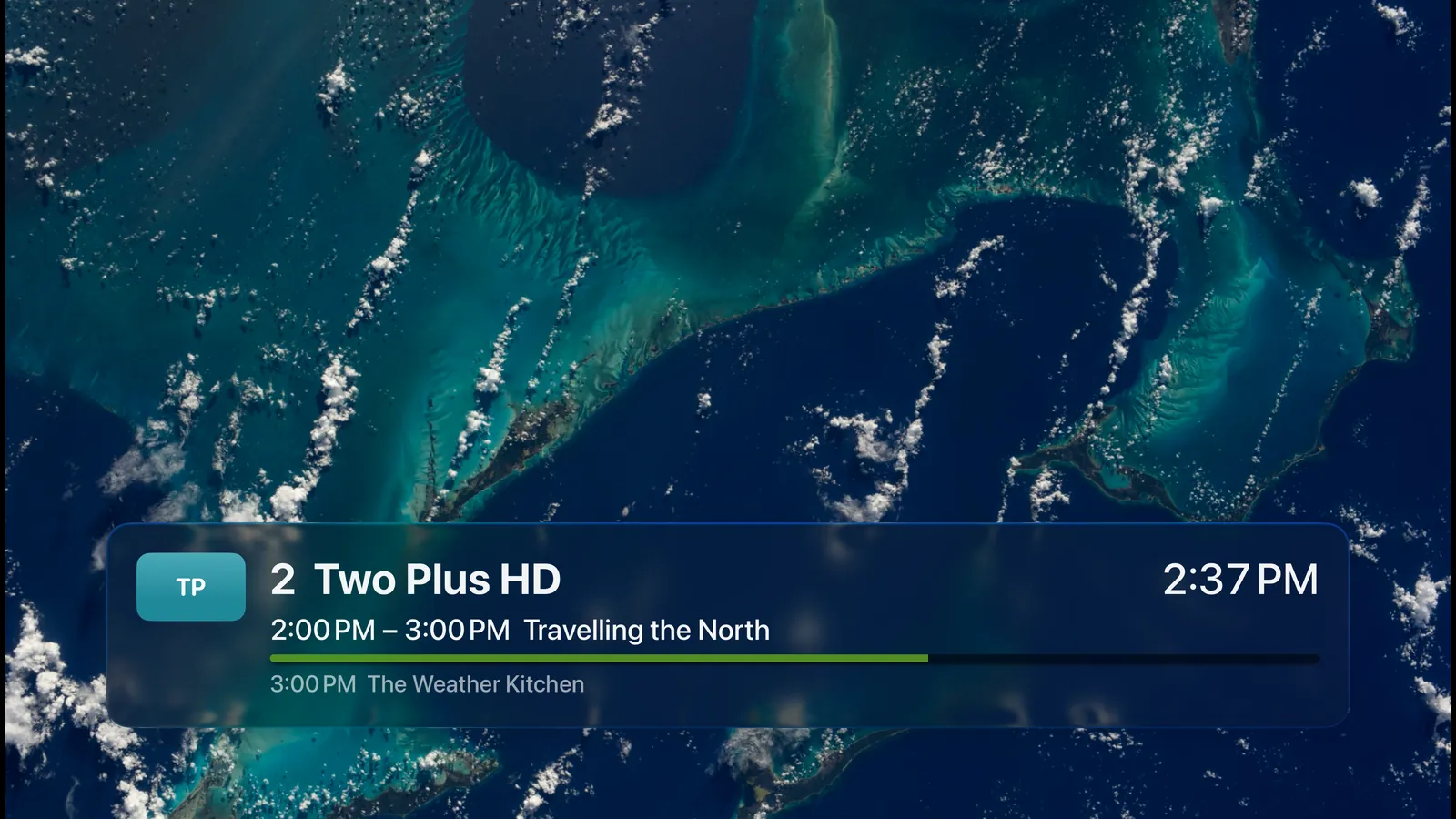
- Switch channels with the Siri Remote, with the current program as an overlay
- Home screen with the channel you watched last, continue watching and tonight
- Guide grid with three hours at a glance
- Resume recordings, skip back 10 seconds and forward 30 seconds
- Optionally start directly with the channel you watched last
What your VDR needs
vdrLive talks directly to the VDR on your network, without going through the internet. Two services are required, everything else is optional.
Your VDR
Linux computer with DVB reception
vdrLive
iPhone, iPad and Apple TV on the same network
SVDRP
Built into VDR. The device or your network must be allowed in svdrphosts.conf.
streamdev-server
Turn on its HTTP server and allow the device in streamdevhosts.conf. Recordings need version 0.6.1 or later.
restfulapi, scraper2vdr, tvscraper, epgsearch
Channel logos, images and series data; timer conflicts and search timers.
In the app, Settings › VDR Requirements shows which of these are met. Step-by-step setup
Try it for free
Every feature works without a purchase. Without Pro, each playback ends after three minutes; the in-app purchase vdrLive Pro removes this limit permanently.